
Float DB and CSMoney Trade-Up Calculator Guide for CS2
Why Float DB and CSMoney Matter
Trade-ups in CS2 are part math, part market timing.
A single float mistake can turn a Factory New outcome into Minimal Wear. Overpaying for inputs can erase profit even when the output skin is desirable. That’s why experienced traders rarely craft blindly anymore.
Float DB focuses on float precision and collection data. CSMoney’s trade-up calculator focuses more on profitability and market value estimation.
Together, they solve the two biggest trade-up problems:
| Tool | Main Purpose | Best Use |
|---|---|---|
| Float DB | Float prediction | Low-float crafting |
| CSMoney Calculator | EV and profitability | Budget optimization |
| Both Combined | Risk reduction | Consistent long-term trading |
Pro tip: Always calculate average input float before buying skins. Cheap high-float fillers often ruin otherwise strong contracts.
How Float Values Affect Trade-Ups
CS2 trade-up outcomes inherit float values from the average float of all ten input skins.
That’s why low-cap skins matter so much.
For example:
Glock-18 | Weasel has a restricted float cap.
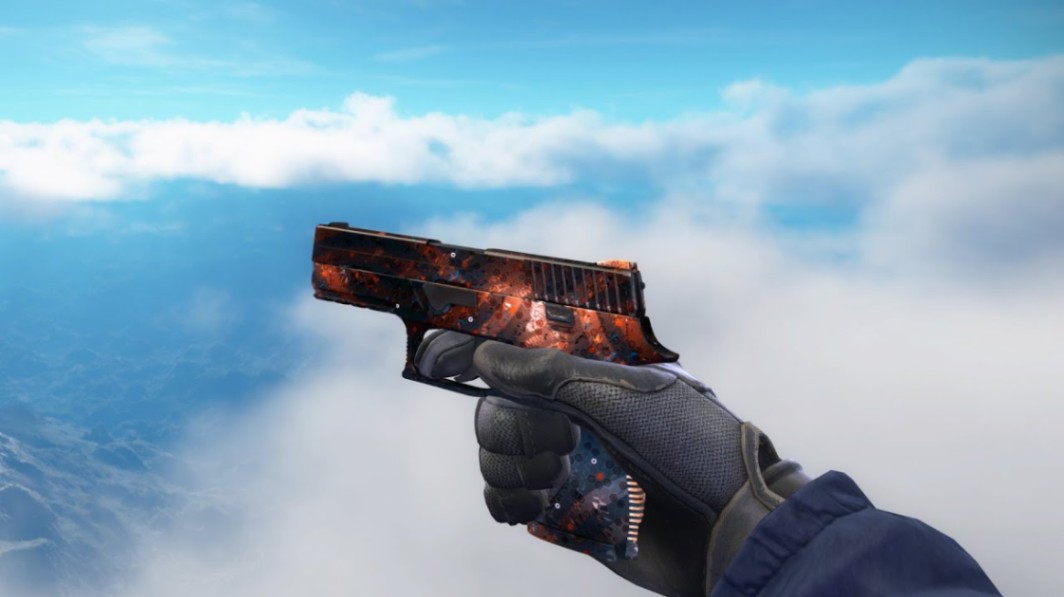
P250 | Supernova can produce cleaner outputs than many players expect.
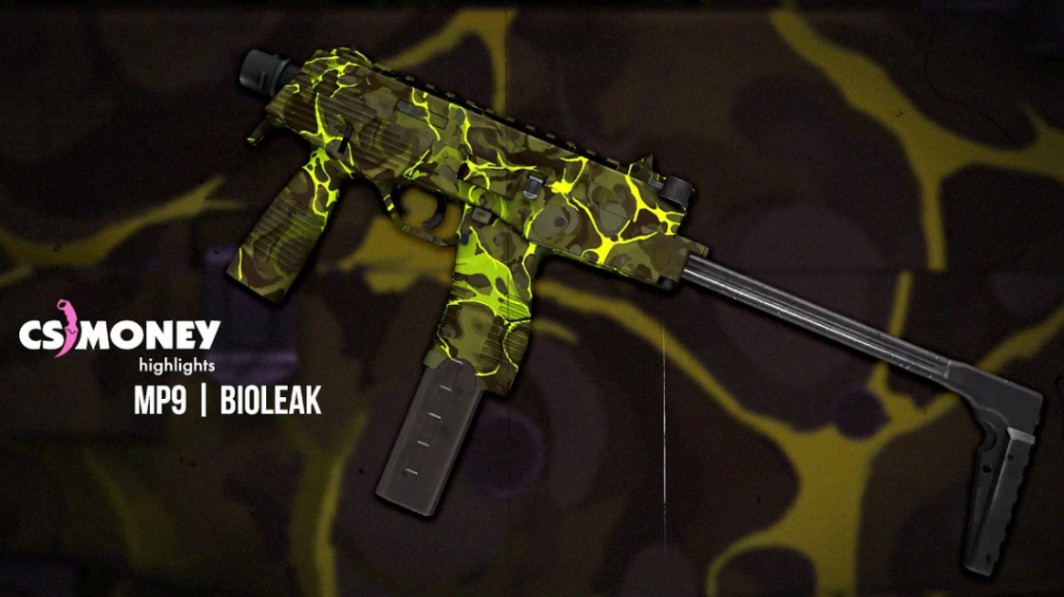
MP9 | Bioleak remains popular for budget FN contracts.
A low average float gives better odds of landing Factory New or clean Minimal Wear outputs.
This becomes especially important for skins where wear dramatically changes appearance:
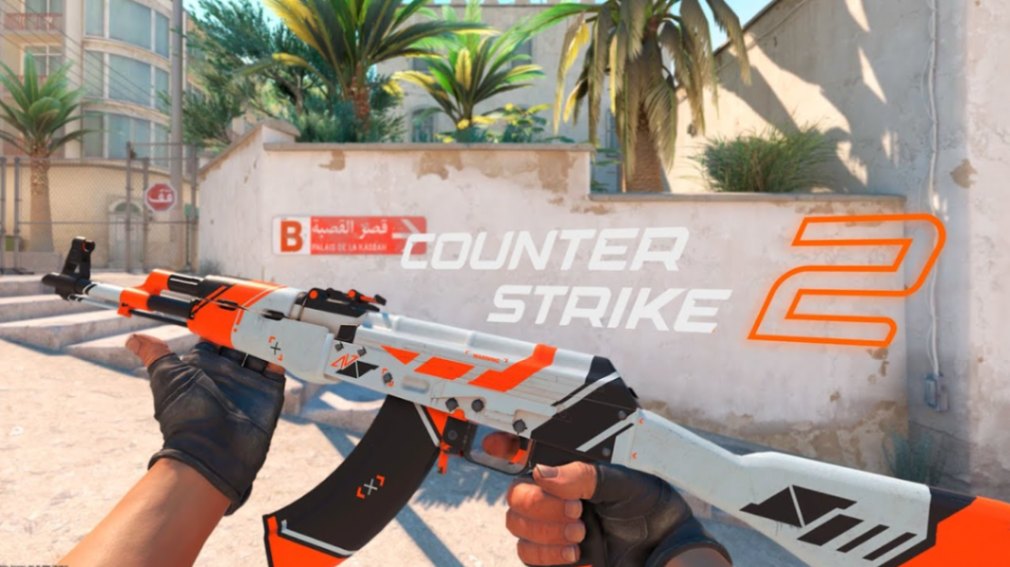
AK-47 | Asiimov
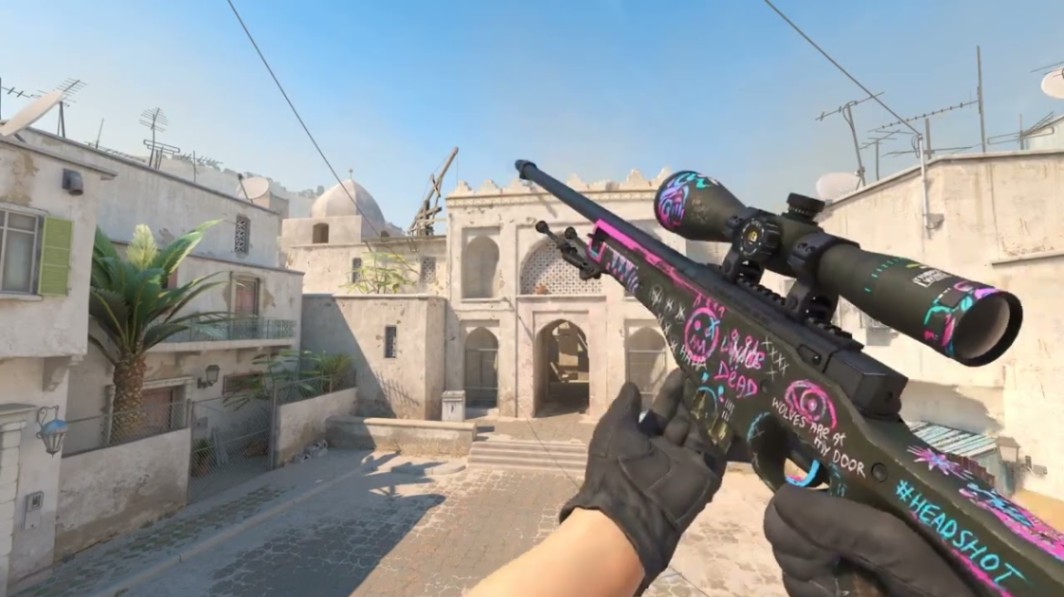
AWP | Fever Dream
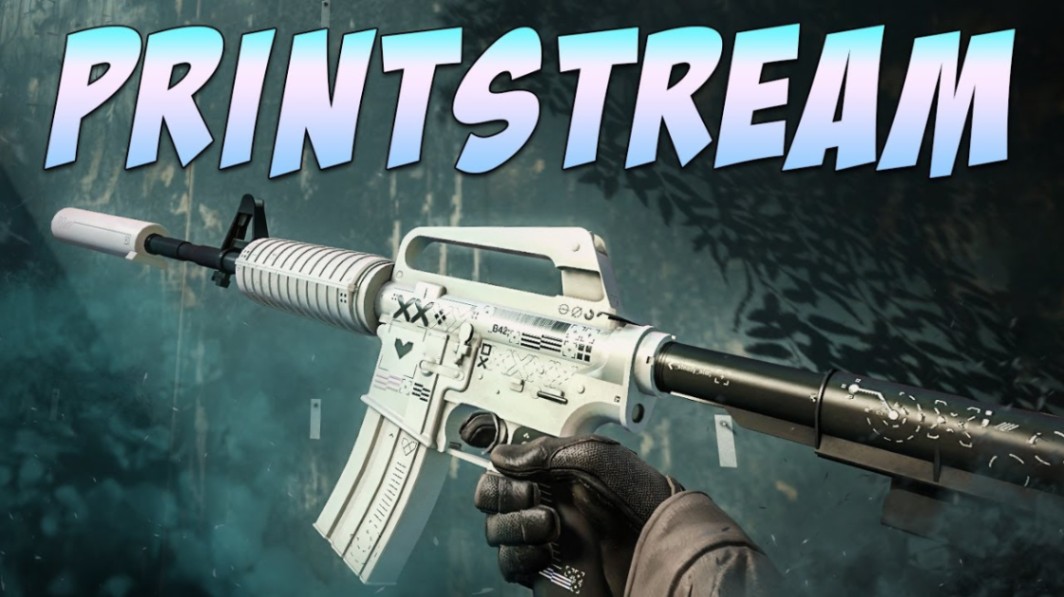
M4A1-S | Printstream
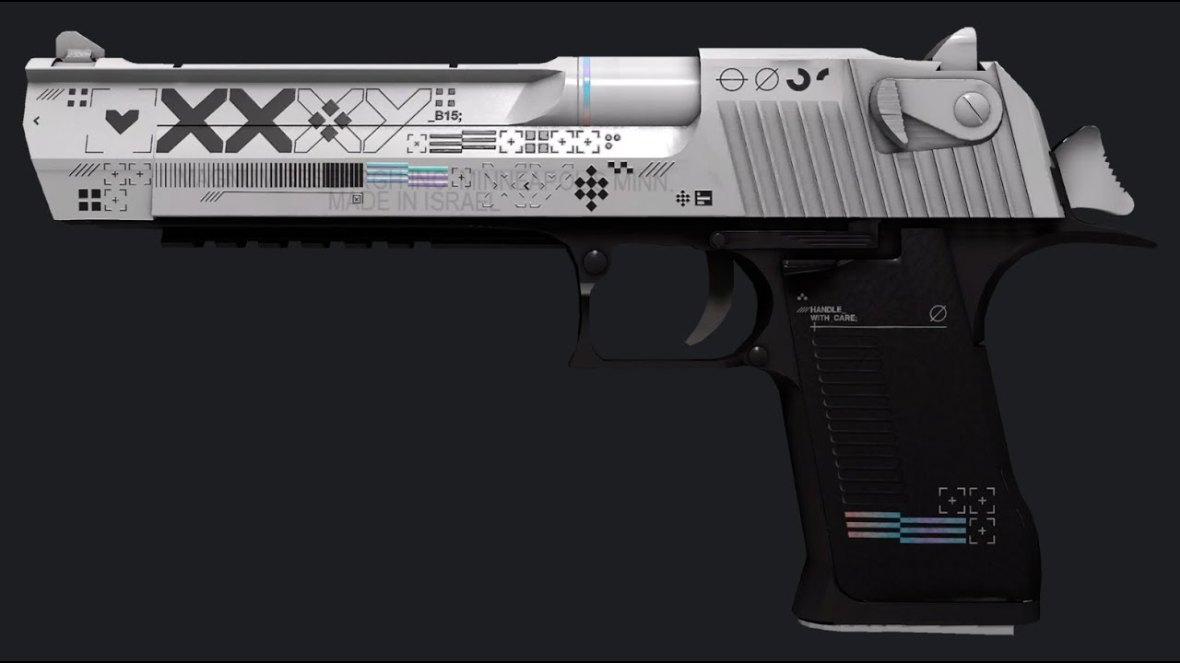
Desert Eagle | Printstream
Even small float differences can affect resale liquidity.
Wear Tiers Refresher
| Wear Tier | Float Range |
|---|---|
| Factory New | 0.00–0.07 |
| Minimal Wear | 0.07–0.15 |
| Field-Tested | 0.15–0.38 |
| Well-Worn | 0.38–0.45 |
| Battle-Scarred | 0.45–1.00 |
Some skins have restricted ranges, which is where Float DB becomes valuable.
What Float DB Does Best
Float DB is mainly about precision.
It allows traders to inspect float caps, output ranges, and collection probabilities before spending money on inputs.
Key Float DB Features
Exact Float Simulation
You can estimate potential output wear from your current input set.
This matters heavily when crafting skins with narrow Factory New windows.
Collection Analysis
Float DB helps identify collections with favorable outcomes.
For example:
The Norse Collection
The Control Collection
The Mirage Collection
Certain collections contain expensive outputs but relatively affordable inputs.
Pattern and Seed Checking
While float matters more for most trade-ups, some skins gain value from specific patterns or seeds.
Examples include:
Case Hardened blue gems
Doppler phase variations
Fade percentages
Float DB can help verify those details after crafting.
Note: Pattern-based pricing is highly market-dependent and changes quickly.
How to Use the CSMoney Trade-Up Calculator
The CSMoney trade-up calculator focuses more on expected value and purchase planning.
It’s especially useful for traders building contracts on a strict budget.
Step-by-Step Process
1. Add Inputs
Enter your ten skins manually or through inventory import.
Use skins with similar float values whenever possible.
2. Check Possible Outputs
The calculator estimates probabilities based on collections and rarity tiers.
This helps identify weak contracts before you commit.
3. Compare Expected Value
A contract with slightly lower profit but stronger liquidity is often safer than a volatile high-risk craft.
Good traders prioritize consistency.
4. Optimize Inputs
Replace overpriced fillers with cheaper alternatives from the same collection.
That alone can improve EV significantly.
Example Contract
A common budget strategy uses:
MP9 | Bioleak
P250 | Supernova
Glock-18 | Grinder
These skins are widely traded and easier to source in matching floats.
Pro tip: Avoid mixing random collections unless the output pool is intentionally diversified.
Combining Both Tools for Better EV
Using only one tool leaves gaps.
Float DB handles precision. CSMoney handles economics.
The strongest trade-up strategies use both simultaneously.
Example Workflow
Step 1 — Use Float DB
Find low-float Mil-Spec skins with favorable caps.
Step 2 — Use CSMoney
Compare prices across marketplaces and estimate EV.
Step 3 — Filter Weak Outputs
Remove contracts where low-tier outputs have poor liquidity.
Step 4 — Execute During Demand Peaks
Major updates, operations, and sticker releases often increase activity across the market.
That can improve resale speed.
Realistic Example
A trader building toward an AK-47 | Aquamarine Revenge contract might:

Source low-float Restricted inputs
Use Float DB to target FN probability
Use CSMoney to minimize overpaying
Sell immediately during active market periods
This approach is slower than gambling-style crafting, but usually more sustainable.
Common Mistakes in CS2 Trade-Ups
Ignoring Float Caps
Some skins cannot reach true Factory New outputs regardless of input quality.
Always verify caps first.
Overpaying for “Perfect” Inputs
Ultra-low floats are useful, but paying massive premiums can destroy profitability.
Balance matters.
Chasing Only High-Ticket Outputs
Rare skins attract attention, but liquidity matters just as much.
A slower-selling skin can trap your balance for weeks.
Forgetting Steam Fees
Many beginners calculate profit without marketplace fees.
That mistake adds up fast.
Note: Prices and liquidity change—check current offers at time of reading.
Best CS2 Trade-Up Examples
Budget FN Contracts
Good for beginners learning float management.
Examples:
MP9 | Bioleak
P250 | Supernova
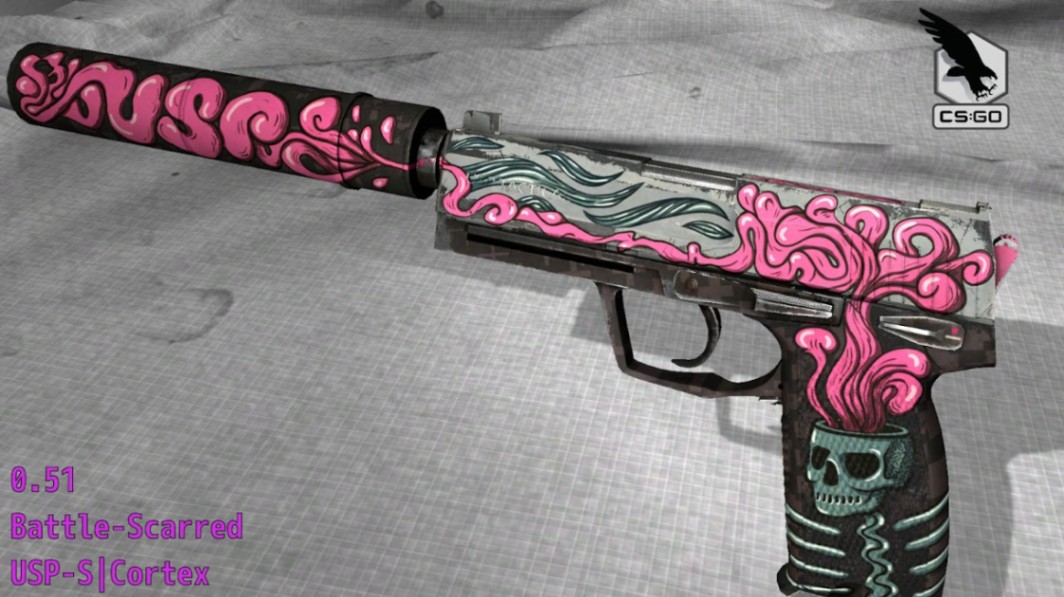
USP-S | Cortex
Mid-Tier Precision Crafts
Better for traders comfortable with float optimization.
Examples:
AWP | Fever Dream
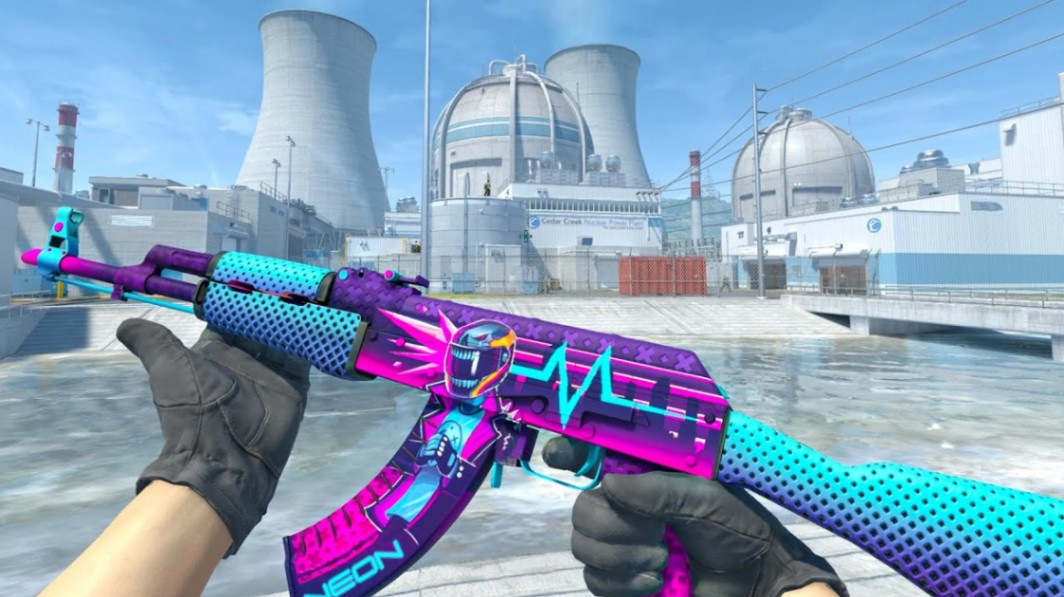
AK-47 | Neon Rider
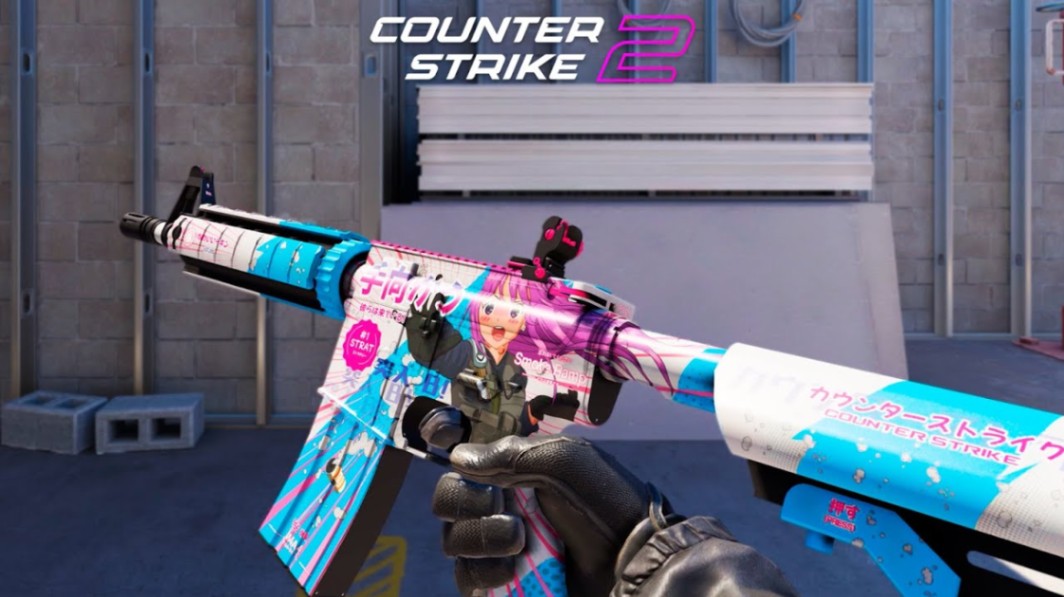
M4A4 | Temukau
High-End Collection Trade-Ups
High risk, high capital requirement.
Examples:
Desert Eagle | Blaze

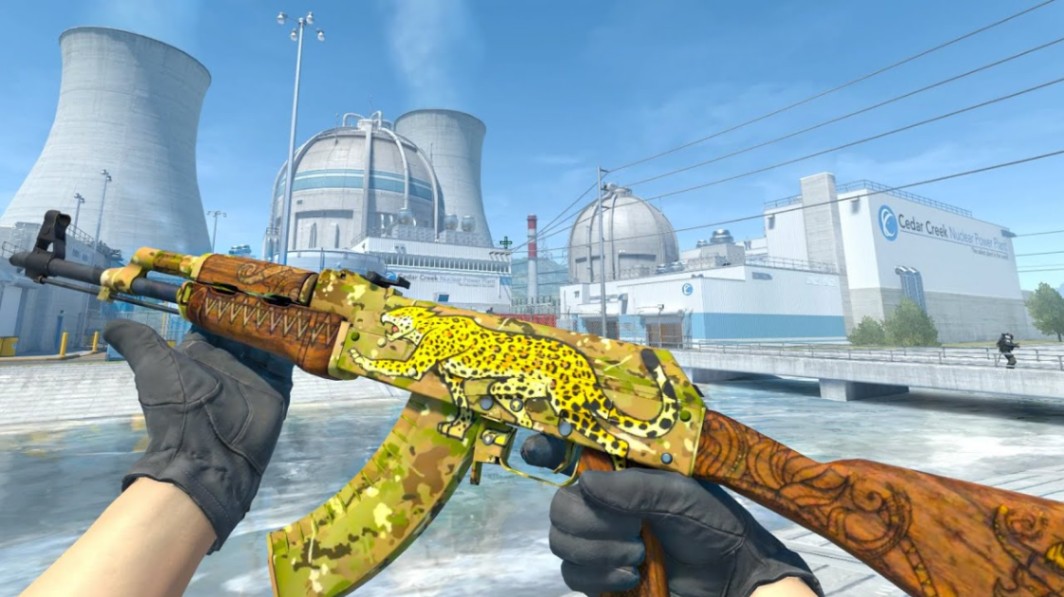
AK-47 | Panthera onca
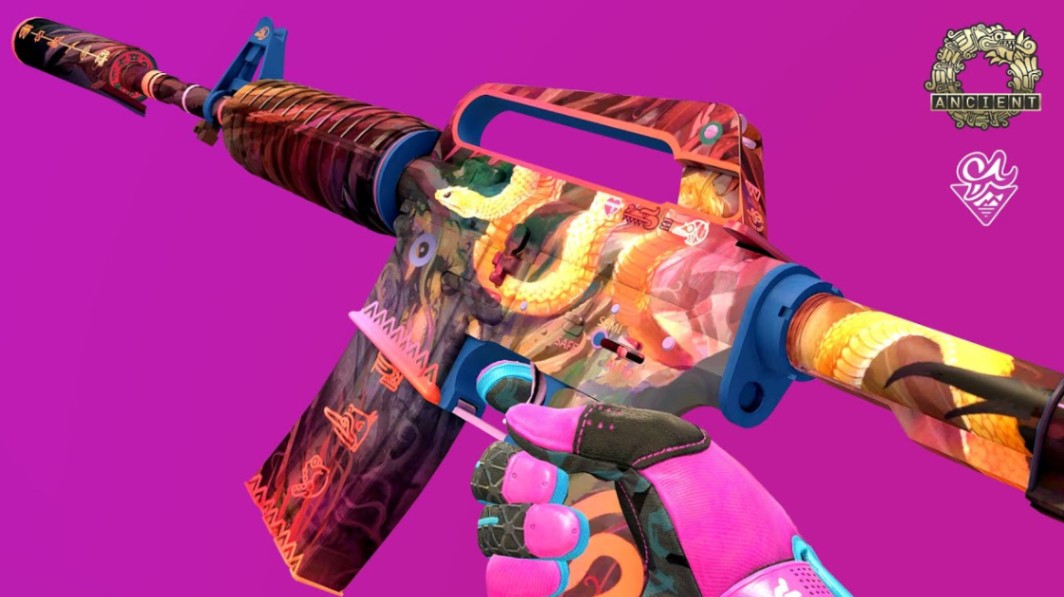
M4A1-S | Welcome to the Jungle
These require deeper collection knowledge and strong market timing.
Key Takeaways
Float DB is essential for accurate float prediction in CS2 trade-ups.
The CSMoney trade-up calculator helps estimate EV and reduce bad contracts.
Low-float inputs matter more than many beginners realize.
Collection selection often determines long-term profitability.
Liquidity matters just as much as theoretical profit.
Smart traders combine float analysis with market timing.
FAQ
What is the best trade-up calculator for CS2?
Most experienced traders use both Float DB and the CSMoney trade-up calculator together. One handles float precision while the other focuses on profitability.
Does float really matter in trade-ups?
Yes. Average input float directly affects output wear. A poor average can downgrade an otherwise profitable craft.
Can trade-ups guarantee profit?
No. Trade-ups always involve risk. Even strong EV contracts can lose money depending on market conditions and output rolls.
What are low-float skins in CS2?
Low-float skins are items with float values close to 0.00. These are important for Factory New trade-ups and premium crafts.
Are collection trade-ups worth it?
They can be, especially for rare collections with valuable outputs. However, competition and input costs are usually higher.
Is StatTrak worth using in trade-ups?
StatTrak contracts can produce expensive outputs, but input costs are also much higher. They are generally riskier for beginners.
Author & Update
Written by a CS2 skin market editor focused on float mechanics, trade-up EV analysis, and long-term trading strategies. Updated: May 2026.