
Detecting Fake Float Screenshots Before Buying CS2 Skins
How Float Screenshot Scams Work
Edited Float Values
The most common method is simple Photoshop editing.
Scammers alter:
Decimal numbers
Wear tier labels
Pattern seed information
StatTrak counters
A float like 0.287 may become 0.028 with basic editing.
Low-resolution Discord screenshots make this harder to spot.
Fake Inspection Windows
Some scammers use fake inventory overlays or browser-based mockups that imitate CS2 inspect screens. These often look convincing on mobile devices.
Common signs include:
Incorrect font spacing
Misaligned wear text
Different UI brightness
Missing inspect animation elements
Cropped Verification Details
Another trick involves cutting off key information.
A screenshot may intentionally hide:
Inspect links
Steam inventory ownership
Pattern seed
Float verification tabs
This forces buyers to rely only on the visible image.
Red Flags That Expose Fake Float Screenshots
Unrealistic Float Claims
Some skins almost never appear at extremely low floats.
For example:
| Skin | Suspicious Claim |
|---|---|
| AWP | Asiimov | 0.00 float |
| AK-47 | Redline | Factory New |
| M4A4 | Asiimov | Factory New |
| Glock-18 | Fade | “100% fade” without proof |
If the claim sounds unusually rare, verify twice.
Wear Doesn’t Match the Float
Visual wear often exposes edited screenshots.
Examples:
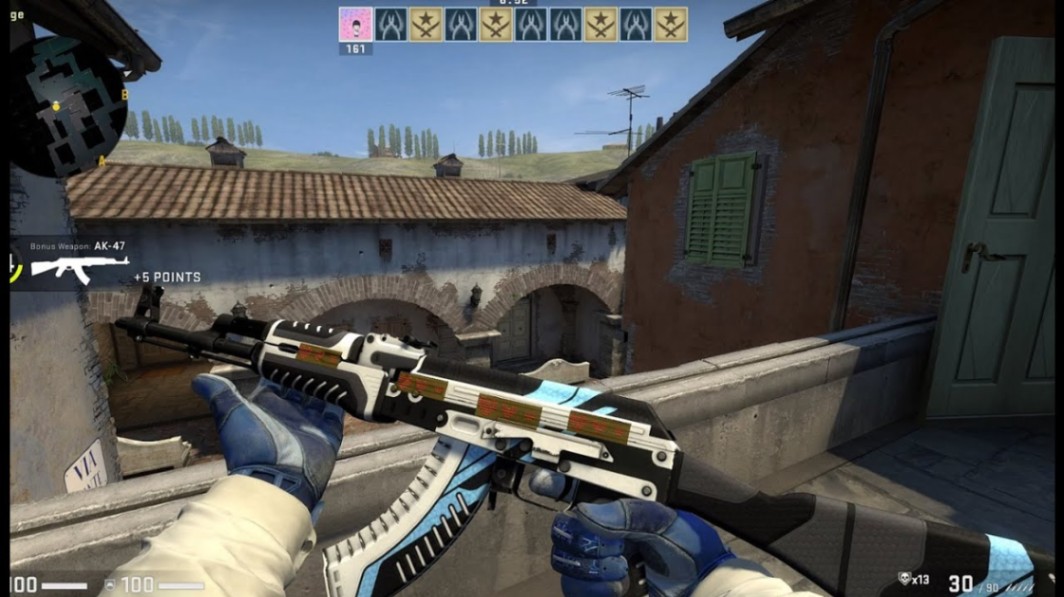
A supposed 0.01 AK-47 | Vulcan showing heavy scratches
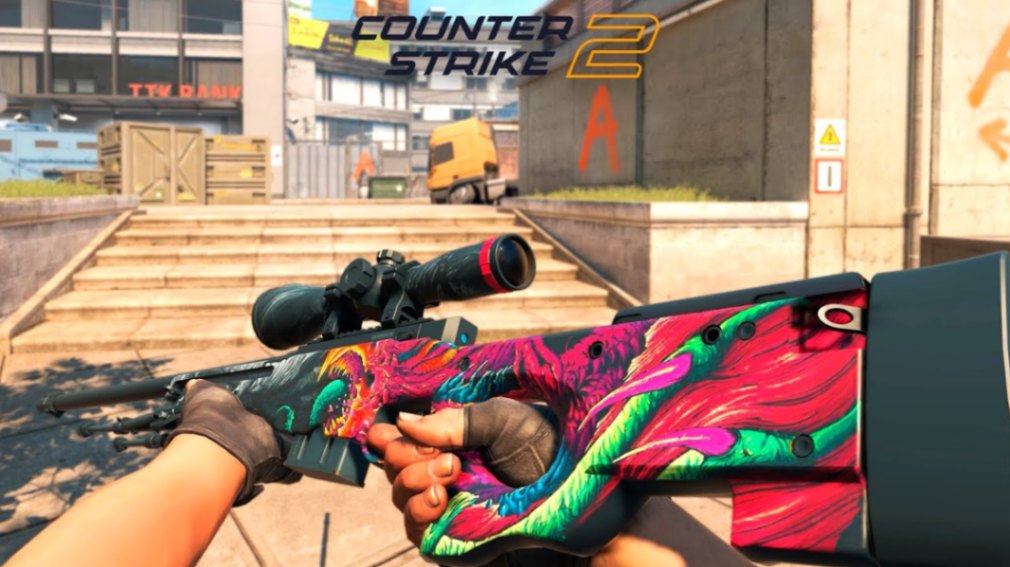
A “Factory New” AWP | Hyper Beast with obvious scope wear
A clean-looking Field-Tested skin pretending to be Minimal Wear
Experienced traders compare the skin texture directly against the claimed float.
Blurry Numbers or Compression
Edited decimals often appear softer than surrounding UI text.
Zoom in and inspect:
Decimal sharpness
Text alignment
Pixel consistency
Lighting around numbers
Compression artifacts can hide edits.
Missing Third-Party Verification
Trusted marketplaces and databases usually display verified float data automatically.
Be cautious if sellers avoid platforms like:
CSFloat
FloatDB
Skinport
BUFF-style verification systems
Note
Collectors trading Doppler phases or Blue Gems should verify both float and pattern seed. Float alone does not determine rarity.
How to Verify Float Values Safely
Use Trusted Float Databases
The safest method is verifying the inspect link through trusted float databases.
These tools show:
Exact float
Paint seed
Wear ranking
Trade history
Sticker placement
Never rely only on screenshots.
Check Inspect Links
A real inspect link connects directly to the skin item.
After opening it:
Inspect the skin in-game
Compare wear appearance
Cross-check float databases
Verify stickers and placement
If the inspect link fails or redirects strangely, avoid the trade.
Compare Wear and Float
Certain skins have known wear behavior.
Examples:
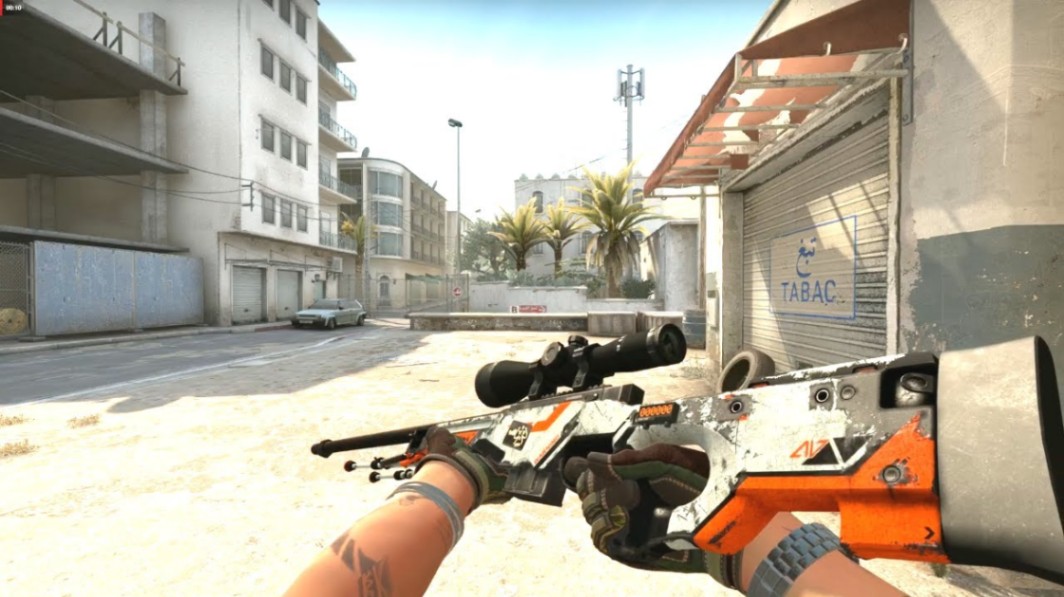
AWP | Asiimov becomes heavily blackened at higher floats
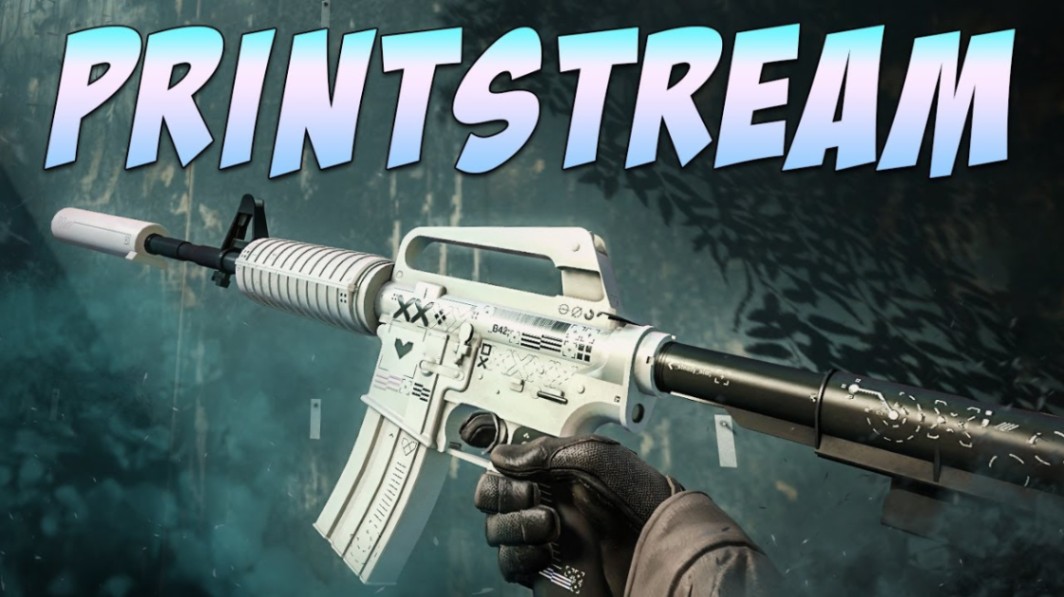
M4A1-S | Printstream keeps a cleaner finish at moderate wear
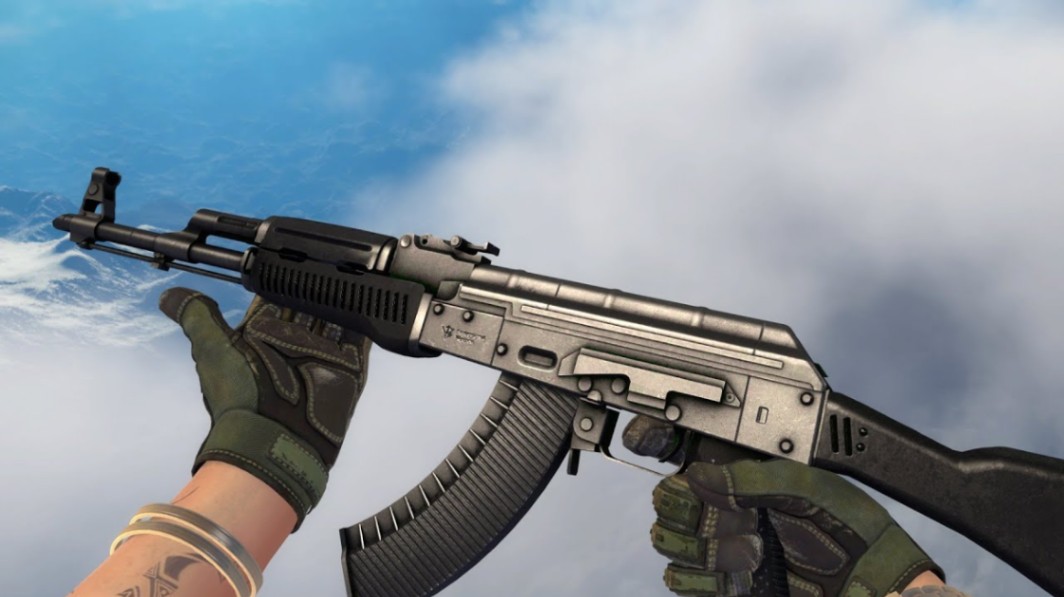
AK-47 | Slate hides scratches better than Vulcan
Karambit Doppler patterns vary heavily by phase
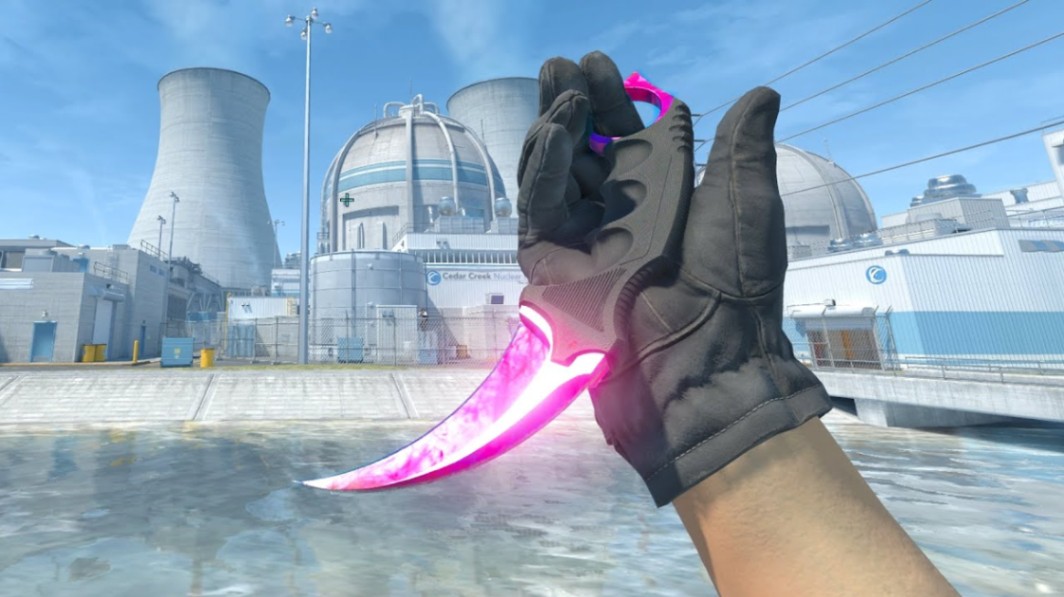
Learning these visual patterns makes fake float screenshots easier to detect.
Real CS2 Examples of Float Manipulation
AWP | Asiimov Fake Low Float
One common scam involves editing a Battle-Scarred Asiimov into a fake Field-Tested screenshot.
The buyer sees:
Cleaner inspect angle
Cropped barrel wear
Edited float number
But the actual skin appears heavily scratched in-game.
Karambit Doppler Phase Misrepresentation
Doppler knives are frequent scam targets.
Sellers may claim:
Phase 2 instead of Phase 3
Black Pearl instead of standard Doppler
Better corner condition than reality
A live inspect check immediately exposes these differences.
AK-47 | Redline Sticker Craft Scam
Kato 2014 sticker crafts attract collectors, which also attracts scammers.
Edited screenshots may:
Fake holo effects
Hide sticker scratches
Change float rankings
Always inspect sticker scrape percentages closely.
Pro Tip
High-tier traders often request a live screen share during expensive deals. That extra minute can prevent a major loss.
Safe Trading Habits That Reduce Risk
| Practice | Why It Helps |
|---|---|
| Verify inspect links | Confirms real float and pattern |
| Use trusted marketplaces | Adds trade protection |
| Avoid rushed trades | Reduces emotional mistakes |
| Compare multiple screenshots | Exposes inconsistencies |
| Research skin wear patterns | Helps detect fake floats |
The safest buyers treat every screenshot as unverified until proven authentic.
That mindset matters even more in private Discord deals and peer-to-peer trades.
Key Takeaways
Fake float screenshots usually rely on edited decimals or cropped details.
Always verify inspect links through trusted float databases.
Wear appearance should match the claimed float value.
Doppler phases, low-float crafts, and Kato 2014 skins are common scam targets.
Blurry text, unrealistic claims, and missing verification links are major red flags.
Careful verification is safer than fast trading.
FAQ
How do fake float screenshots work in CS2?
Most fake float screenshots are edited using image software that changes float numbers, wear tiers, or pattern information to increase a skin’s perceived value.
Can you trust Discord screenshots for CS2 skin trades?
Not completely. Screenshots alone are easy to manipulate. Always verify inspect links and third-party float databases before trading.
What is the safest way to verify a CS2 skin float?
Use trusted float-checking platforms and inspect the item directly in-game through its inspect link.
Are low-float skins more likely to be faked?
Yes. Rare low-float skins, Doppler knives, Blue Gems, and expensive sticker crafts are frequent scam targets because collectors pay premiums for them.
Do float values affect skin appearance?
Yes. Float values determine wear condition, which changes scratches, fading, and texture quality depending on the skin finish.
Can pattern seed scams happen together with fake float screenshots?
Absolutely. Some scammers fake both float values and pattern seeds, especially for Case Hardened Blue Gems and Doppler variants.
Author & Update — Written by a CS2 skin market editor focused on trading safety, float analysis, and rare skin valuation. Updated: May 2026